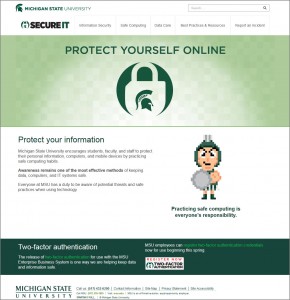
The SecureIT site recently launched to provide the MSU community with one place for guidelines and best practices on information security.
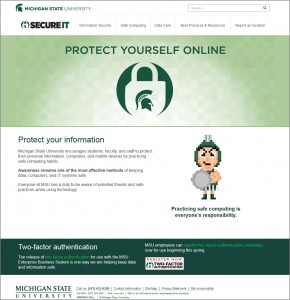
MSU employees first used the site as part of the two-factor authentication rollout in March and April 2015.
The site also includes personal safe computing information, ways to safeguard your devices, phishing precautions, password tips, and illegal file sharing details.
Institutional data guidelines from the former Enterprise Information Stewardship site is now part of SecureIT, including how to handle data, secure data, and dispose of data and hardware.
Also on the site are employee and administrator/supervisor guides related to MSU’s Institutional Data Policy and data breach information and checklists for IT staff.