



Technology Training
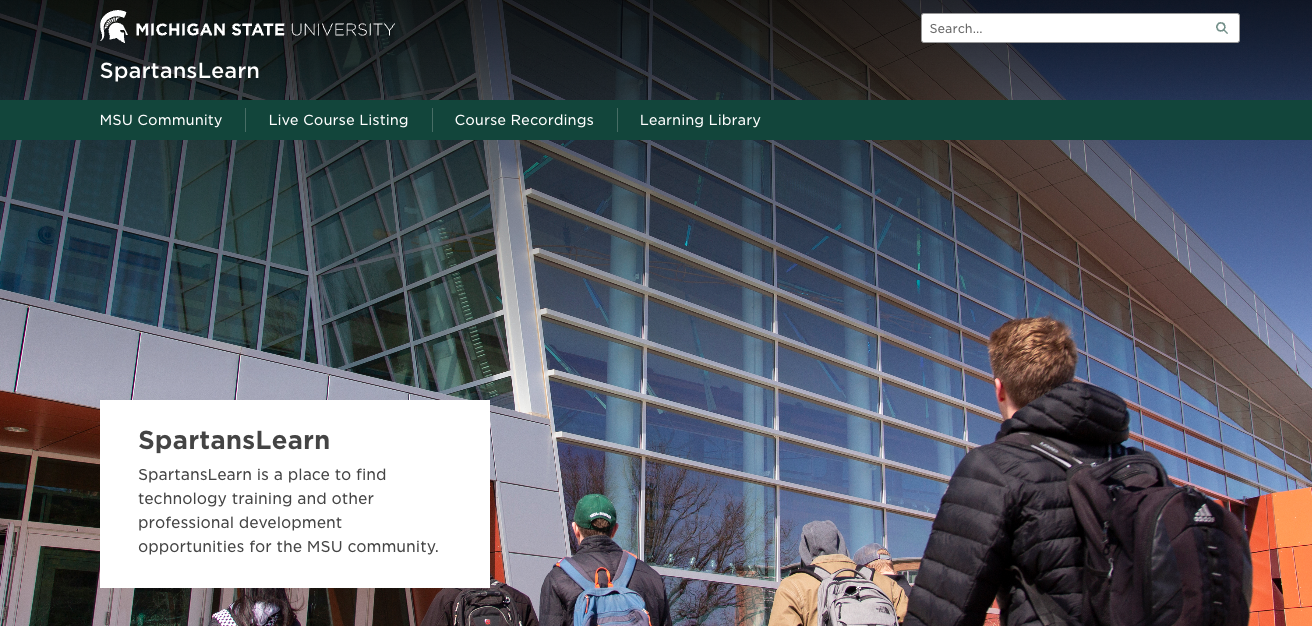
MSU IT provides no-cost training on collaborative tools to all students, faculty, and staff. Check out the following courses available in March and visit SpartansLearn for more information and to register.
Outlook – Calendar Basics
Thursday, March 12, 10:00 a.m. – 12:00 p.m.
Outlook is not just for emails! Learn how to streamline your workflow and schedule using the Outlook calendar. Set up an Out of Office email, share your calendar with colleagues, and schedule meetings with multiple people without breaking a sweat using the Scheduling Assistant and Polls tools.
OneDrive – Getting Started
Wednesday, March 18, 9:00 a.m. – 11:00 a.m.
Access, share, and collaborate on all your files from anywhere with OneDrive, the go-to app for storing data and synchronizing it across other Microsoft applications. Learn how to ensure that work is saved, backed up, and available wherever and whenever access is needed.
Zoom – Meetings
Thursday, March 19, 9:30 a.m. – 11:30 a.m.
Use Zoom to revolutionize your virtual meetings. Learn how to effortlessly orchestrate breakout rooms, harness the power of seamless recording and reporting, spice up engagement with advanced polls and quizzes, and discover the art of content sharing.
SharePoint for End Users
Tuesday, March 24, 1:00 p.m. – 3:00 p.m.
Unlock the power of SharePoint! Discover its amazing features, effortlessly navigate the platform, create dynamic lists, and master the functionality of document libraries. Get ready for an engaging and hands-on learning experience.
Additional Resources
- New Training Resources: Find curated training from Microsoft, Adobe, elevateU, YouTube, LinkedIn Learning, and more.
- Microlearning Videos: Quick, bite-sized videos (1-3 minutes each) focused on our most popular tips.
- On-Demand Training: Can’t attend a live course? Watch anytime.
- For any other questions about technology training, please contact train@msu.edu.
BI Open Labs
- Tuesday, Feb 10, 2026 1:30-3:30 PM
- Tuesday, Feb 24, 2026 1:30-3:30 PM
- Tuesday, Mar 10, 2026 1:30-3:30 PM
- Tuesday, Mar 24, 2026 1:30-3:30 PM
D2L
MSU IT offers a number of academic technology training opportunities for Spartans who use D2L (Desire2Learn). Visit https://help.d2l.msu.edu to view resources, enroll in self-paced courses, and browse documentation libraries.
elevateU: Self-paced professional development training
MSU HR and MSU IT sponsor elevateU, an e-learning tool that can be accessed from the convenience of your computer or mobile device at no charge as part of our ongoing commitment to continuing MSU employee development.
Login and get started today at elevateu.percipio.com.
View a short elevateU Overview video.
Web Accessibility
The Instructional Technology and Development team keeps an up-to-date list of accessibility classes and workshops available to colleges and departments.

