• Jump to Header
  • Jump to Main Content
  • Jump to Footer
Michigan State University
Technology at MSU
  • Training
  • MSU Tech Store

Technology at MSU

  • About
    • About MSU IT
    • Mission, Vision, and Values
    • MSU IT Organization
    • MSU IT Leadership
    • Guidelines and Policies
    • Institutional Data Policy
    • Secure IT
    • Federated IT
    • MSU IT Projects
    • Office of the CIO
  • |
  • Services
    • Service Catalog
    • Request a Service
    • Business & Productivity Services
    • Consultation Services
    • Work & Workstation Services
    • Hardware & Software
    • Spartan 365
    • Zoom & Conferencing
    • Application Development
    • Network Services
    • Server, Data, and Storage Support
    • Cloud Services
    • Web Services
    • AI Services
    • Data & Analytics
    • Technology in Classrooms
    • Google Workspace
    • Teaching & Learning Services
    • High Performance Computing
    • Research Technology & Collaboration
  • |
  • Help and Support
    • Get Help / Contact IT
    • Report an Issue
    • Service Status
    • Getting Online
    • Classroom Support
    • Workstation / Desktop Support
    • Digital Accessibility Support
    • Visitor & Guest Support
    • IT Partners & Service Providers
    • Knowledge Base / Documentation
    • Training
    • Orientation
    • FAQs
  • |
  • Students
    • New Students
    • Getting Online
    • Email / Spartan Mail
    • D2L
    • Printing
    • Computer Labs
    • MSU Mobile App
    • Help & Support
    • Security Tips
    • Password Help
    • MSU Tech Store
  • |
  • Faculty and Staff
    • Faculty
    • Staff
    • Orientation
    • Workstation Support
    • IT Staff Resources
    • Training
    • Collaboration Tools
    • Remote Work Tools
    • Staff Technology Tools
    • Storage & File Sharing
    • Software & Licensing
    • Teaching Tools
    • Research Technology Support
    • Lab / Classroom Scheduling
    • Web Technology Tools
    • Security Resources
  • |
  • SecureIT
    • Multi-Factor Authentication
    • Research Security
    • Safeguard Your Devices
    • Phishing
    • Passwords
    • File Sharing & Copyright
    • Handling Data
    • Securing Data
    • Data & Hardware Disposal
    • Employee Guide
    • Admin & Supervisor Guide
    • IT Security Checklists
    • Security Incident
    • Website Security Standards
    • Cybersecurity Awareness Training
    • MSU Information Security Program Plan
    • Single Sign-On & Self-Service Password Reset
  • |
  • News
Get IT Help
Technology at MSU
  • About
  • Services
  • Help and Support
  • Students
  • Faculty and Staff
  • SecureIT
  • News

< About

  • About MSU IT
  • Mission, Vision, and Values
  • MSU IT Organization
  • MSU IT Leadership
  • Guidelines and Policies
  • Institutional Data Policy
  • Secure IT
  • Federated IT
  • MSU IT Projects
  • Office of the CIO

< Services

  • Service Catalog
  • Request a Service
  • Business & Productivity Services
  • Consultation Services
  • Work & Workstation Services
  • Hardware & Software
  • Spartan 365
  • Zoom & Conferencing
  • Application Development
  • Network Services
  • Server, Data, and Storage Support
  • Cloud Services
  • Web Services
  • AI Services
  • Data & Analytics
  • Technology in Classrooms
  • Google Workspace
  • Teaching & Learning Services
  • High Performance Computing
  • Research Technology & Collaboration

< Help and Support

  • Get Help / Contact IT
  • Report an Issue
  • Service Status
  • Getting Online
  • Classroom Support
  • Workstation / Desktop Support
  • Digital Accessibility Support
  • Visitor & Guest Support
  • IT Partners & Service Providers
  • Knowledge Base / Documentation
  • Training
  • Orientation
  • FAQs

< Students

  • New Students
  • Getting Online
  • Email / Spartan Mail
  • D2L
  • Printing
  • Computer Labs
  • MSU Mobile App
  • Help & Support
  • Security Tips
  • Password Help
  • MSU Tech Store

< Faculty and Staff

  • Faculty
  • Staff
  • Orientation
  • Workstation Support
  • IT Staff Resources
  • Training
  • Collaboration Tools
  • Remote Work Tools
  • Staff Technology Tools
  • Storage & File Sharing
  • Software & Licensing
  • Teaching Tools
  • Research Technology Support
  • Lab / Classroom Scheduling
  • Web Technology Tools
  • Security Resources

< SecureIT

  • Multi-Factor Authentication
  • Research Security
  • Safeguard Your Devices
  • Phishing
  • Passwords
  • File Sharing & Copyright
  • Handling Data
  • Securing Data
  • Data & Hardware Disposal
  • Employee Guide
  • Admin & Supervisor Guide
  • IT Security Checklists
  • Security Incident
  • Website Security Standards
  • Cybersecurity Awareness Training
  • MSU Information Security Program Plan
  • Single Sign-On & Self-Service Password Reset

< News

  • Training
  • MSU Tech Store
Get IT Help

Training

Learn about technology training opportunities

Technology at MSU > Support >

Training

Training

  • SpartansLearn
  • MSU IT Training Team
  • HR Organization and Professional Development

Technology Training

MSU IT provides no-cost training on collaborative tools to all students, faculty, and staff. Check out the following courses available in March and visit SpartansLearn for more information and to register.

Two of our newest Spartan 365 courses are available again in October:

NEW! Planner: Getting Started

Wednesday, November 11, 9:30 a.m. – 11:30 a.m.
Stop managing work. Start mastering it. Discover how Microsoft Planner can help you organize work, track progress, and keep your team aligned across Spartan 365 and Microsoft Teams.

NEW! SharePoint for Editors
Tuesday, November 17, 1:00 p.m. – 3:00 p.m.
Turn a basic SharePoint site into a destination. Learn how to customize SharePoint sites with branding, navigation, settings, document libraries, lists, modern pages, and interactive web parts.

November also features the following courses:

SharePoint for End Users
Monday, November 9, 1:30 p.m. – 3:30 p.m.
Explore SharePoint basics, including navigation, lists, and document libraries.

Outlook – Calendar Basics
Friday, November 13, 10:00 a.m. – 12:00 p.m.
Learn Outlook calendar basics, including out-of-office replies, calendar sharing, meeting scheduling, Scheduling Assistant, and Polls.

Spartan 365 – Overview
Wednesday, November 18, 10:00 a.m. – 11:00 a.m.
Have you ever wanted to work collaboratively in a document or simultaneously on any device? This one-hour course will give an overview of the main Microsoft 365 apps including Forms, OneDrive, OneNote, Outlook, SharePoint, and Teams.

Microsoft Teams – Working with Teams
Friday, November 20, 9:00 a.m. – 10:30 a.m.
A valuable course for individuals, teams, and departments looking for a centralized hub for communication, file sharing, and collaboration. Learn how to request a new team or join an existing team, manage channels and tabs, and manage the team’s members, settings, and analytics.

Additional Resources

  • New Training Resources: Find curated training from Microsoft, Adobe, elevateU, YouTube, LinkedIn Learning, and more.
  • Microlearning Videos: Quick, bite-sized videos (1-3 minutes each) focused on our most popular tips.
  • On-Demand Training: Can’t attend a live course? Watch anytime.
  • For any other questions about technology training, please contact train@msu.edu.
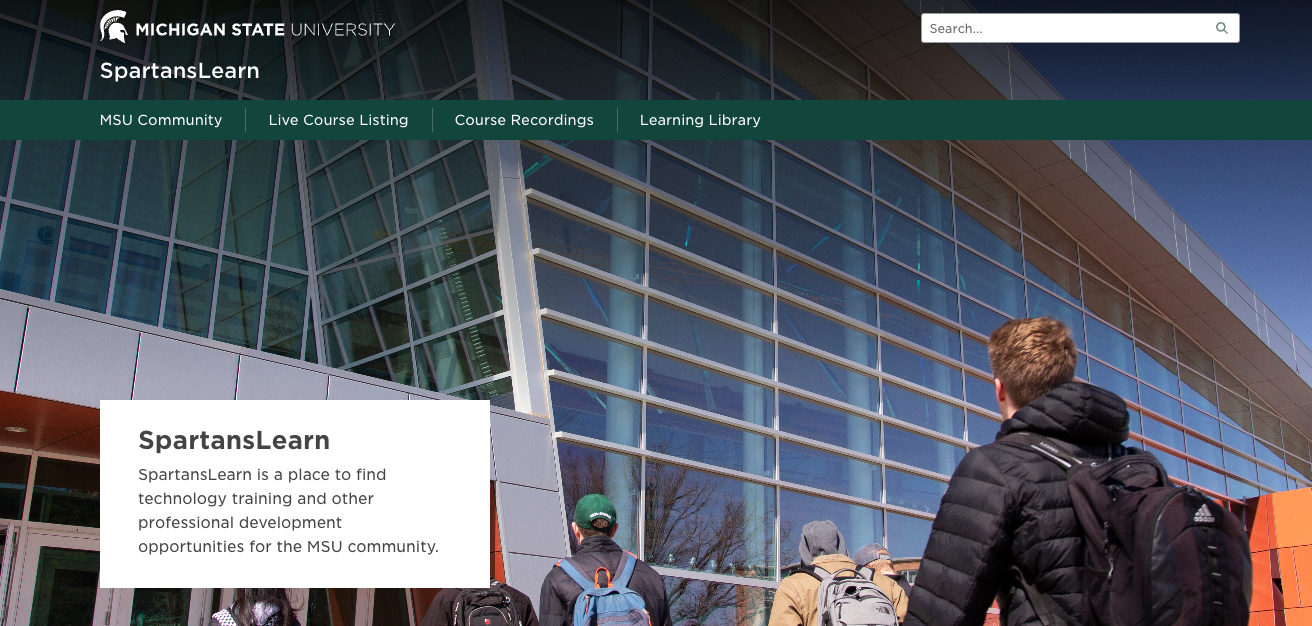
Homepage for SpartansLearn

BI Open Labs

Join on Microsoft Teams on the following dates:
  • Tuesday, Oct. 6, 2026 1:30 PM-3:30 PM
    Tuesday, Oct. 20, 2026 1:30 PM-3:30 PM
    Tuesday, Nov. 3, 2026 1:30 PM-3:30 PM
    Tuesday, Nov. 17, 2026 1:30 PM-3:30 PM
    Tuesday, Dec. 1, 2026 1:30 PM-3:30 PM

D2L

MSU IT offers a number of academic technology training opportunities for Spartans who use D2L (Desire2Learn). Visit https://help.d2l.msu.edu to view resources, enroll in self-paced courses, and browse documentation libraries.

elevateU: Self-paced professional development training

MSU HR and MSU IT sponsor elevateU, an e-learning tool that can be accessed from the convenience of your computer or mobile device at no charge as part of our ongoing commitment to continuing MSU employee development.

Login and get started today at elevateu.percipio.com.

elevateU Overview Thumbnail

View a short elevateU Overview video.

Web Accessibility

The Instructional Technology and Development team keeps an up-to-date list of accessibility classes and workshops available to colleges and departments.
Training-Team-Twitter-Post

Training

SpartansLearn is the home for learning and development opportunities from MSU IT.

  • The MSU IT Training team offers live instructor-led training courses and on-demand training courses.
  • The MSU Educational Technology team offers additional training opportunities about specific tools geared toward teaching and learning.

HR Organization and Professional Development also offers classes and programs that enhance professional skills and competencies.

To register for HR training via EBS:

  1. Visit ebs.msu.edu and log in.
  2. Select “My Career & Training”.
  3. Select “Courses For Employees at MSU”.
  4. Click on the “Monthly Calendar View”, then “Course Catalog” links or type a keyword to “Find” your desired class.

Resources

  • A to Z Index
  • Find People
  • Maps
  • Email
  • Student Information System (SIS)
  • D2L
  • Libraries
  • Tech Support
  • MSU Misconduct Hotline
  • Social Media Directory
  • Events Calendar
  • For Media

Health and Safety

  • MSU Police and Public Safety
  • Olin Health Center
  • Counseling & Psychiatric Services (CAPS)
  • University Health and Wellbeing
  • MSU Health Care
  • Civil Rights and Title IX
  • Our Commitment
  • Center for Survivors
  • Security & Fire Safety Report
  • University Policy on Relationship Violence and Sexual Misconduct
  • Notice of Non-Discrimination, Anti-Harassment and Non-Retaliation
  • Health Care Non-Discrimination Notice

Support Services

  • Disability Resources
  • LiveOn Neighborhood Resources
  • Spartan One-Stop
  • University Health & Wellbeing

Working at MSU

  • Human Resources
  • EBS Login
  • Job Postings
  • Employee Assistance Program

Reports

  • CARES Act Funding
  • Student Achievement and Outcomes

Contact us

517-355-1855

Address

Michigan State University
426 Auditorium Road
East Lansing, MI 48824

Releases and Statements

Follow Us

  • Visit our Facebook page
  • Visit our page on X
  • Visit our LinkedIn page
  • Visit our YouTube page

If you're having accessibility issues, please let us know.

Know MoreTransparency
  • Contact Information|
  • Site Map|
  • Privacy Statement|
  • Site Accessibility|
  • Call MSU: (517) 355-1855|
  • Visit: msu.edu|
  • Notice of Nondiscrimination|

SPARTANS WILL|© Michigan State University|