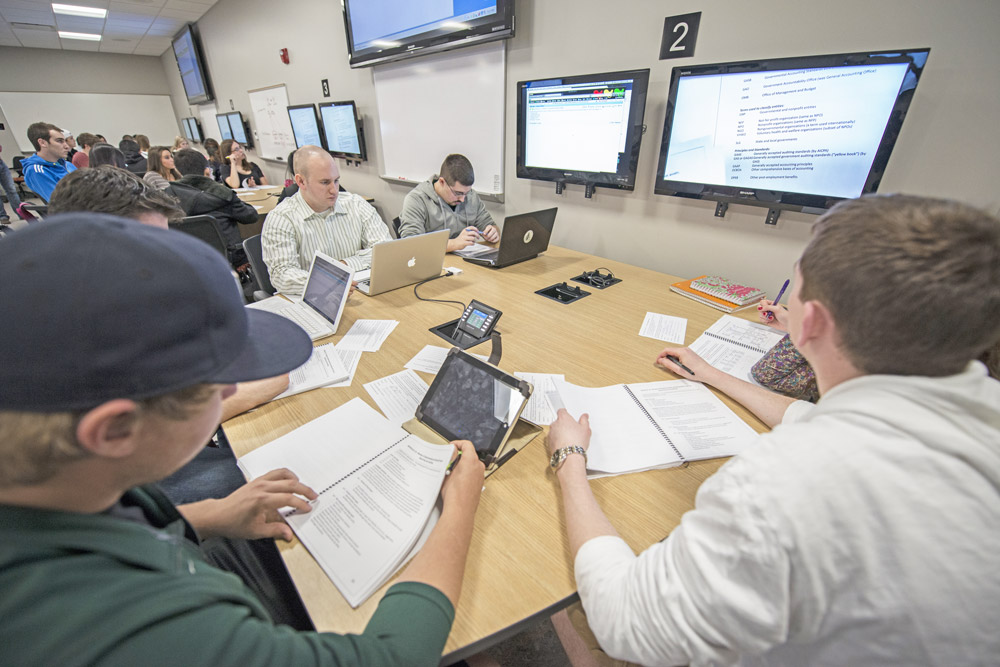



In this page you will see the primary tools that MSU IT provides to assist in teaching and learning. While this is not a comprehensive list of all the tools used in MSU courses, it does contain the tools that are available to the entire campus, at no additional charge. If you would like to learn more about these tools, to how to integrate them into your course, you can place a service request: Service Request Form
You can also find information on Training resources on the Instructional Technology and Development Page
Tools have been grouped up into categories based on their application. These categories are:
- Core Technologies
- Formative and Summative Assessment
- Content Creation
- Communication
- Organization
- Academic Integrity
- Accessibility
- Survey and Feedback
Core Technologies
D2L Brightspace
- A comprehensive Learning Management System (LMS) used by educational institutions to manage and deliver online courses. It provides tools for course creation, student assessment, communication, and collaboration.
- D2L Login Page
- D2L Help Site
Mediaspace
- A video management platform used for creating, storing, and sharing video content. It is often used in educational settings for managing instructional videos and media resources.
- Mediaspace Site
Spartan 365 (Office 365)
- This is a cloud-based suite of productivity tools and services developed by Microsoft. It includes popular Microsoft applications like Word, Excel, PowerPoint, Outlook, and OneNote, along with cloud services such as OneDrive, SharePoint, and Microsoft Teams. Currently, individuals receive 5 TB of storage for their personal drives and 1 TB of storage for Team site.
- Spartan 365 Login
Zoom
- A video conferencing platform that enables users to host and attend virtual meetings, webinars, and online classes. It supports video, audio, and chat communications, and offers features like screen sharing and recording.
- Zoom Login
Spartan Ally
- An accessibility tool designed to support the creation of accessible content and ensure compliance with accessibility standards. It provides features for making digital content more inclusive.
- Included within D2L Course
iClicker
- A classroom response system that allows instructors to conduct polls and quizzes in real-time. Students use clicker devices or mobile apps to respond to questions during lectures.
- iClicker Options
Formative and Summative Assessment
BeSocratic
- A flexible, web-based system that can recognize and respond to free-form student input. Students can respond naturally to questions posed by the system using a keyboard, mouse, touchscreen or pen, and receive appropriate feedback on their work.
- BeSocratic Site
D2L Brightspace – Quizzes and Assignments
- The quiz and assignment folder tools within Brightspace allow for multiple methods for students to be assessed on their work, and feedback to student for instructors to keep track of all assessments.
- D2L Login Page
- D2L Help Site
Eli Review
- A peer review and writing feedback platform that helps students engage in the writing process by providing structured peer feedback and instructor assessment tools.
- Eli Review Page
Gradescope
- An online grading platform that simplifies the grading process for exams, assignments, and assessments. It supports various types of assessments and provides analytics for instructors.
- Gradescope Site
Crowdmark
- An online assessment platform that facilitates the grading and feedback of paper-based assessments. It streamlines the grading process and provides detailed feedback to students.
- Crowdmark Site
iClicker
- A classroom response system that allows instructors to conduct polls and quizzes in real-time. Students use clicker devices or mobile apps to respond to questions during lectures.
- iClicker Options
- iClicker Site
Content Creation
Camtasia
- A screen recording and video editing software that allows users to create professional-quality videos for tutorials, presentations, and instructional content.
- Available for Download from MSU On The Hub
D2L Brightspace
- Brightspace contains editing tools designed to help instructors create, organize, and manage course materials directly within the learning environment. Using the built-in HTML Editor, instructors can add and format text, embed multimedia and insert links and documents.
- D2L Login Page
- D2L Help Site
Google Workspace
- Google Workspace offers a powerful, easy-to-use set of tools for creating, editing, and sharing course content. With applications like Google Docs, Slides, and Sheets, instructors can efficiently build syllabi, lecture materials, assessments, and collaborative activities.
- Google for Education
Mediaspace
- A video management platform used for creating, storing, and sharing video content. It is often used in educational settings for managing instructional videos and media resources. Mediaspace also has screen recording, question insertion and limited editing capabilities.
- Mediaspace Site
Spartan 365 (Office 365)
- Office 365 equips university instructors with a comprehensive suite of tools to create, organize, and share high-quality instructional content. With applications like Word, PowerPoint, Excel, and OneNote, Office 365 supports the full range of academic content development—from lecture slides and lab manuals to assessments and research guides.
- Spartan 365 Login
Snagit
- A screen capture and recording tool that allows users to capture screenshots, record videos, and edit content. It’s used for creating tutorials, documentation, and presentations.
- MSU On The Hub
Communication
D2L Brightspace – Announcements, Email and Discussion Boards
- Brightspace includes announcement, email and discussion board functions that can help enhance and enable communication between students and their instructor.
- D2L Login Page
- D2L Help Site
Spartan 365 (Office 365)
- Office 365 provides a robust set of communication tools that help university instructors stay connected with students, colleagues, and academic support teams. Tools such Outlook and Teams provide text, audio, and video communication options.
- Spartan 365 Login
PackBack
- An AI-driven discussion platform that encourages critical thinking and engagement in online discussions by providing real-time feedback and insights.
- PackBack Site
Piazza
- An online Q&A platform designed for academic and professional environments. It facilitates interaction between students and instructors by allowing questions and answers to be posted and organized in a collaborative space.
- Piazza Site
Organization
D2L Brightspace
- The content management aspect of D2L Brightspace provides a flexible way to organize content for a course. It could be used to create modules for an online or hybrid course or organize around topic to act as a resource library. In addition, it can be used to create a digital hub for students to access necessary and useful information.
- D2L Login Page
- D2L Help Site
CATME
- A web-based tool used for managing team assignments and peer evaluations. It helps instructors form teams, manage teamwork, and assess peer contributions.
- CATME Site (First time users will need to request an instructor account)
Spartan 365 (Office 365)
- One Drive is a tool that helps organize, store, and manage course materials, communications, and collaborative work. With integration across apps and cloud storage, it simplifies the teaching workflow and ensures academic content is secure and accessible. Currently, 5 TB is allocated to all individuals in One Drive, and 1 TB is available for all Team sites.
- Spartan 365 Login
Academic Integrity
Respondus
- Montor and Lock-Down Browsers are available to help provide secure online and proctored exams.
- Respondus Information
- Respondus Site
Turnitin
- A plagiarism detection service that checks written work for similarities to other sources. It provides feedback on originality and helps prevent academic dishonesty.
- Available through D2L – Brightspace
- Turnitin Information
- Turnitin Site
Accessibility
Read&Write
- An assistive technology tool that supports reading and writing tasks. It provides features like text-to-speech, speech-to-text, and vocabulary support to enhance literacy and accessibility.
- Read&Write Information Page
Equatio
- A tool that helps users create and edit mathematical expressions and equations digitally. It supports the inclusion of math content in documents and presentations.
- Available through D2L – Brightspace
- Equatio Information Page
Orbit Note
Spartan Ally
- An accessibility tool designed to support the creation of accessible content and ensure compliance with accessibility standards. It provides features for making digital content more inclusive.
- Available through D2L – Brightspace
- Spartan Ally Information Page
Screen Readers
- NVDA is a free screen reader that allows blind and vision impaired people to access and interact with the Windows operating system and many third-party applications.
- NVDA Download
- JAWS is also a popular screen reader available for Windows computers. JAWS provides speech and Braille output. MSU has a campus license to JAWS. Visit portal.freedomscientific.com and use your MSU email address to create a portal account. Once you have created an account, you will have the ability to download JAWS to your computer.
- Jaws Account Creation
- Kurzweil 3000 is an educational assistive technology program that provides support for reading, writing, and studying. It is compatible with both Windows and Mac operating systems. MSU students and staff can access this technology tool for free using their MSU email address.
- Kurweil 300 Information Page
Survey and Feedback
Qualtrics
- A survey and research platform that enables users to create, distribute, and analyze surveys. It is used for collecting feedback, conducting research, and measuring customer satisfaction.
- Qualtrics Login
Office 365
- Microsoft Forms is available through office 365 it is an online survey and form-building tool that allows users to create surveys, quizzes, and polls. It offers customizable templates, real-time response tracking, and automatic data analysis, making it easy to collect and analyze feedback or data for various needs.
- Spartan 365 Login
Google Workspace
- Google Forms is available through Google Workspace it is a tool for creating surveys, questionnaires, and quizzes. With its user-friendly interface, you can design forms with a variety of question types, collect responses in real-time, and analyze the results through integrated Google Sheets for easy data management.
- Google for Education

